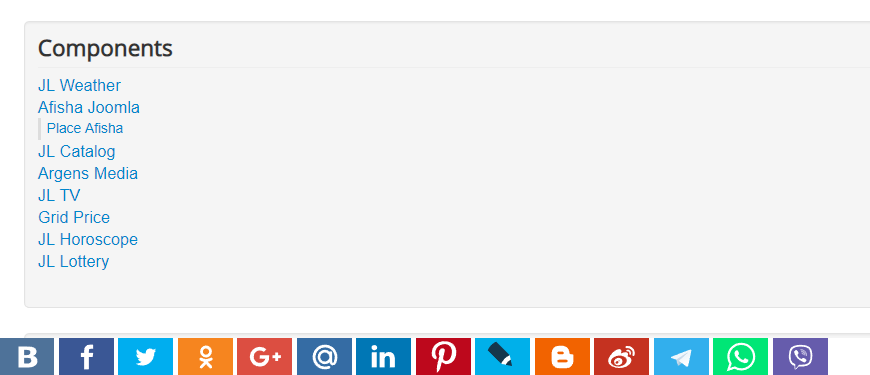
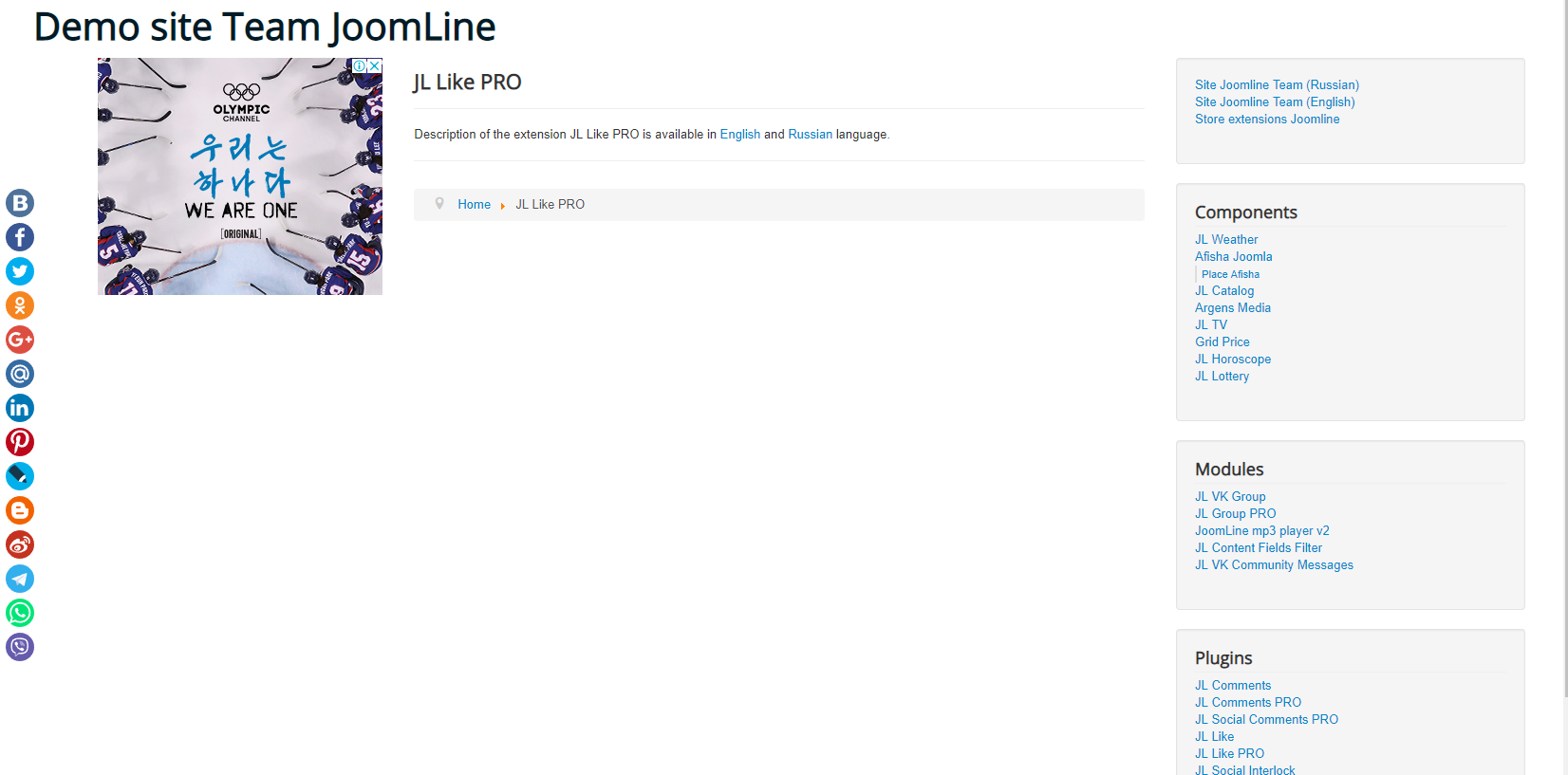
A package of Share button plugins for Joomla 4, 5 and 6. It shows social network and messenger buttons in Joomla articles, K2, ZOO, EasyBlog, VirtueMart, JoomShopping and ADSmanager.
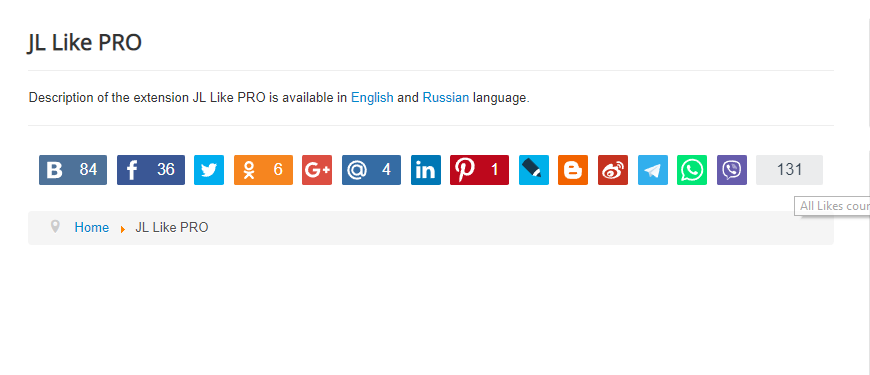
JL Like adds Share buttons for social networks and messengers to a Joomla site. The buttons appear in Joomla articles and in popular components, work without social network iframes or scripts, and create no outbound links to the networks. Button graphics are SVG, and the plugin itself is lightweight.
Features
- Networks and messengers: Facebook, VK, X (Twitter), OK.ru, My World (Mail.ru), LinkedIn, Pinterest, LiveJournal, Blogger, Weibo, Viber, WhatsApp, Telegram, Threads, Reddit.
- Output in Joomla articles (single article, Featured, Category Blog), K2 2.6+, ZOO 3, EasyBlog, VirtueMart 4, JoomShopping 5 and ADSmanager 2.6+.
- Five ready-made button styles: Default, Minimal, Gradient, Outlined, Floating, with a live preview in the plugin settings.
- Individual buttons can be switched on or off; button order is set by drag and drop.
- Some buttons can be collapsed behind a "More" button.
- Fixed buttons docked to the screen edge, and a mobile mode with buttons floating at the bottom of the screen.
- Text next to the buttons.
- Open Graph tags: a choice of source for og:description (meta description, intro text or full text) and a default image for og:image.
- Categories can be excluded from output.
- A preferred domain for shared links, with or without www.
- Manual placement with the
{jllike}tag in article text, and{jllike-off}to suppress output. - Russian and English language files.
Installation and setup
- Install the package through the Joomla Extension Manager.
- In System → Plugins, enable the plugins you need: JL Like (content), JL Like K2, JL Like for JoomShopping, JL Like for ADSmanager, JL Like for VirtueMart and others.
- In each plugin, configure the appearance and automatic insertion of buttons, and exclude categories where buttons are not needed.
- For VirtueMart, enable support for Joomla plugins in the component's shop settings, otherwise the buttons are not shown.
To upgrade from an earlier version, install the new package over the old one.
FAQ
The share window opens in Russian, but the site is in English
The window language is set by the social network itself, based on the visitor's browser language and account settings. An English-speaking user sees it in English.
Facebook posts the wrong image
Facebook picks the image itself; the plugin only suggests one through Open Graph tags. It usually helps to set Source image to Text on the com_content tab of the JL Like (content) plugin, so the image is taken from the article text instead of the image fields.
Buttons do not appear in JoomShopping
Check that the JL Like for JoomShopping plugin is enabled and that, in the JL Like (content) plugin, the Display option on the JoomShopping settings tab is set to Yes; output in JoomShopping is off by default. The buttons are placed into one of the product page template placeholders, _tmp_product_html_start, _tmp_product_html_after_buttons or _tmp_product_html_end, depending on the selected position. Modified or third-party store templates may lack these placeholders; they need to be restored.
Compatibility and requirements
- Joomla 4, 5 and 6.
- PHP 8.1 or later, 8.2+ recommended.