
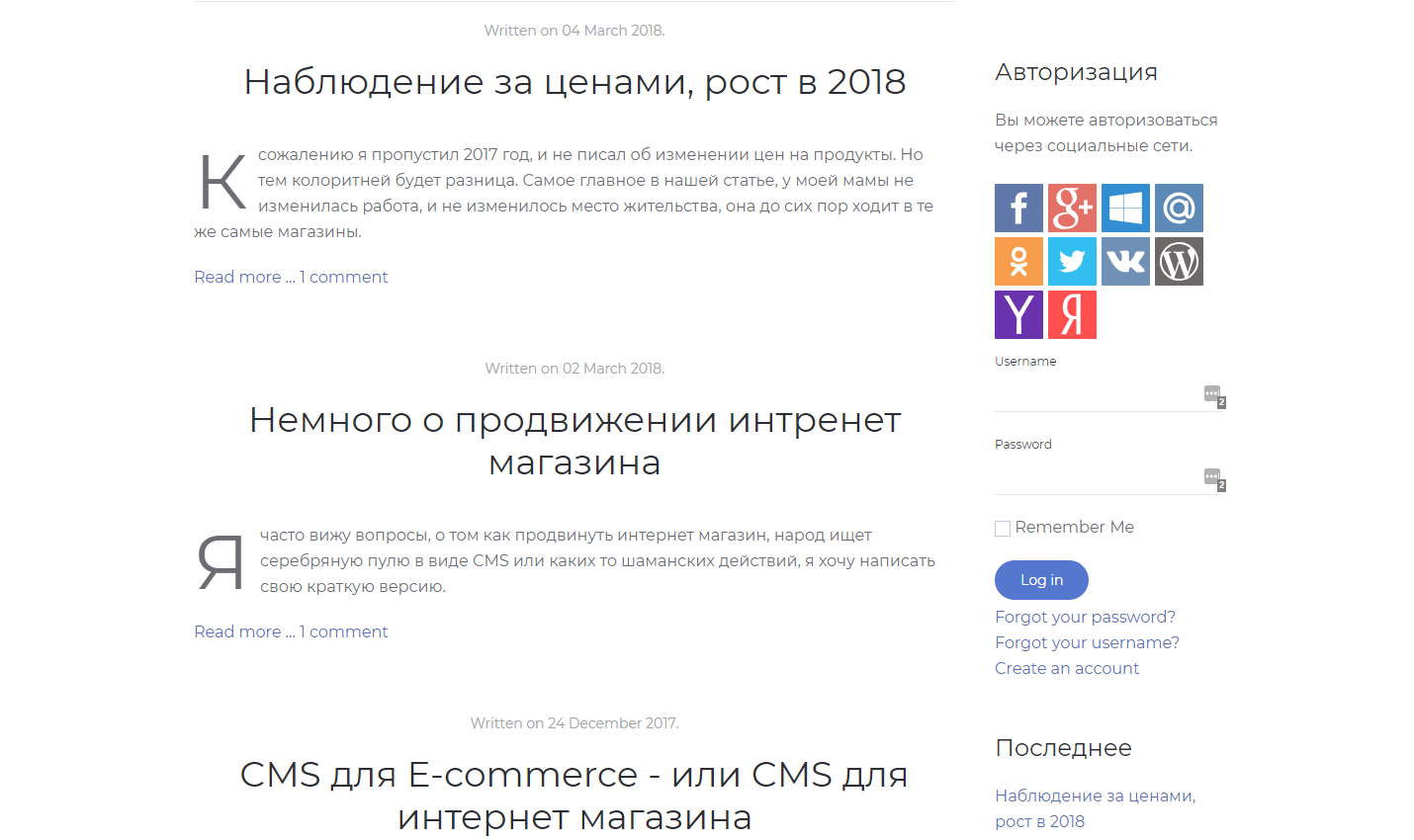
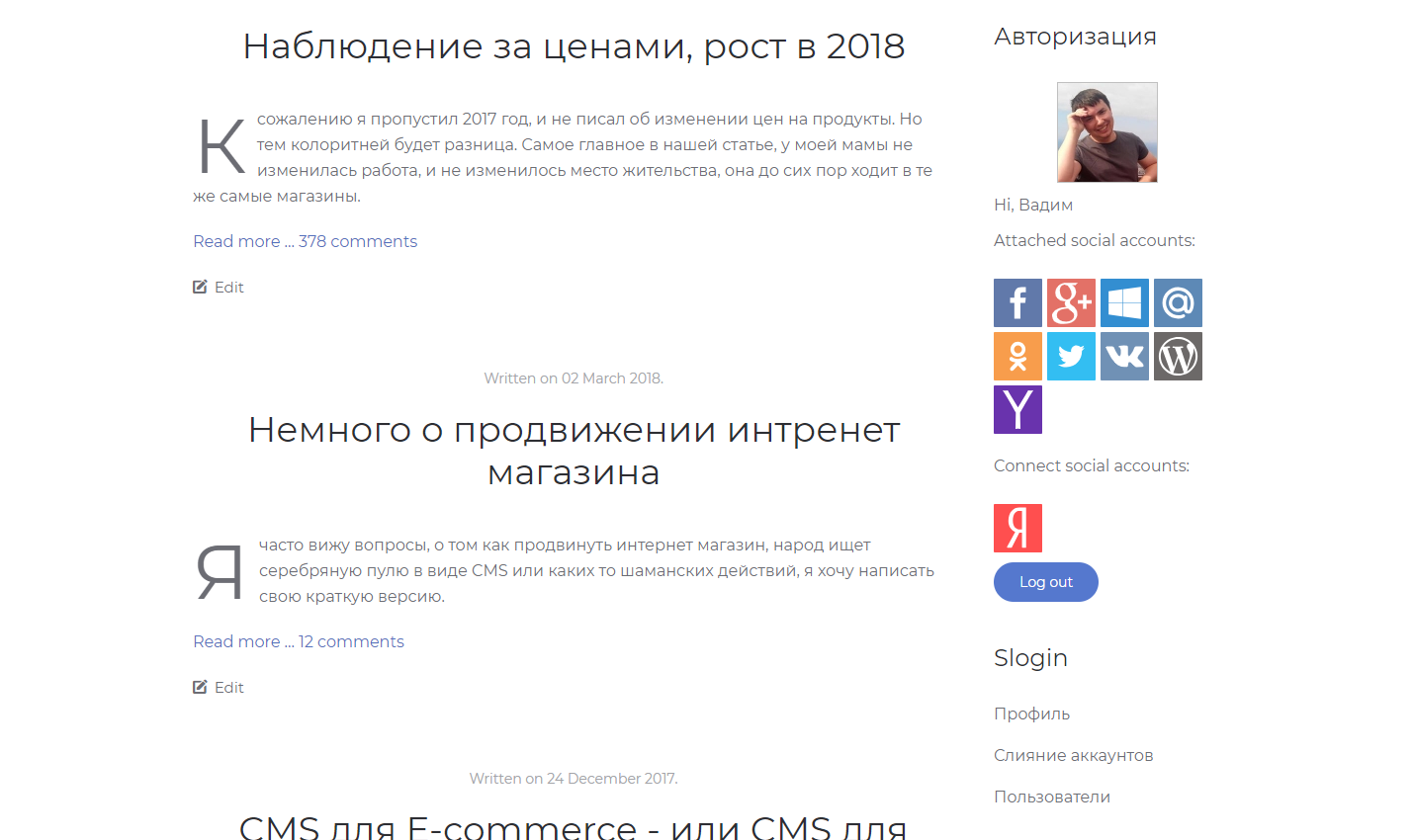
A free component for signing in and registering on a Joomla site through social networks and services such as VK, OK.ru, Yandex, Mail.ru, Google and GitHub. It works over OAuth.
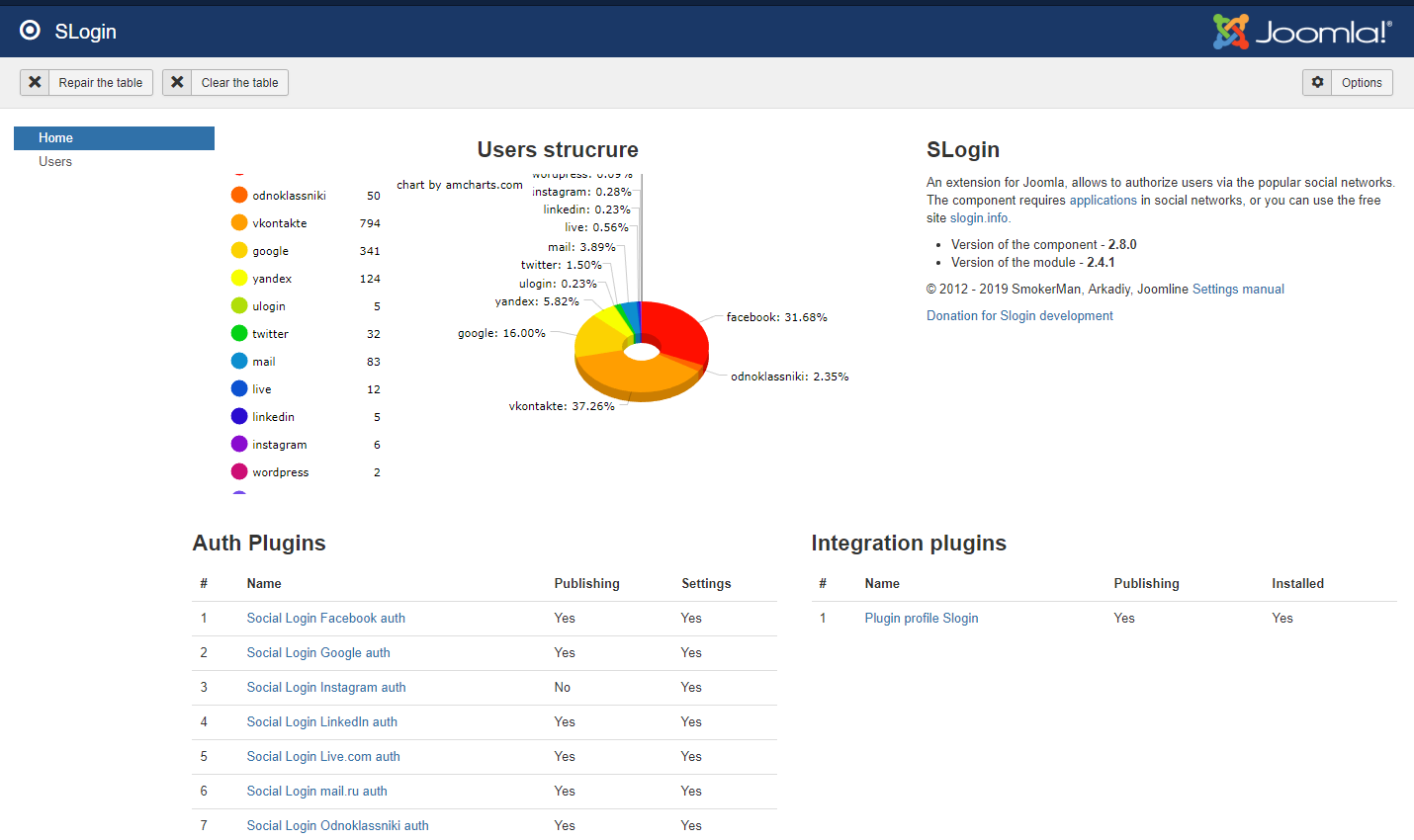
Slogin is a set of a component, a login module, authentication plugins and integration plugins. A visitor signs in to the Joomla site with a social network account instead of a username and password, and on the first sign-in the Joomla user profile is filled in with data from the network.
Features
- Providers: VK, OK.ru (Odnoklassniki), Mail.ru, Yandex, Google, Facebook, Twitter, LinkedIn, GitHub, Bitbucket, Twitch, Telegram, WordPress, Yahoo!, uLogin.
- Profile filled in on registration through a social network: avatar, name, username, email, date of birth.
- Data from social networks can be imported into Joomla user profile fields.
- Users can attach a social network to an existing Joomla account and manage the linked accounts in their profile.
- Accounts are merged automatically when the email matches; already logged-in users can merge accounts too.
- Remember Me support.
- Email notification on registration.
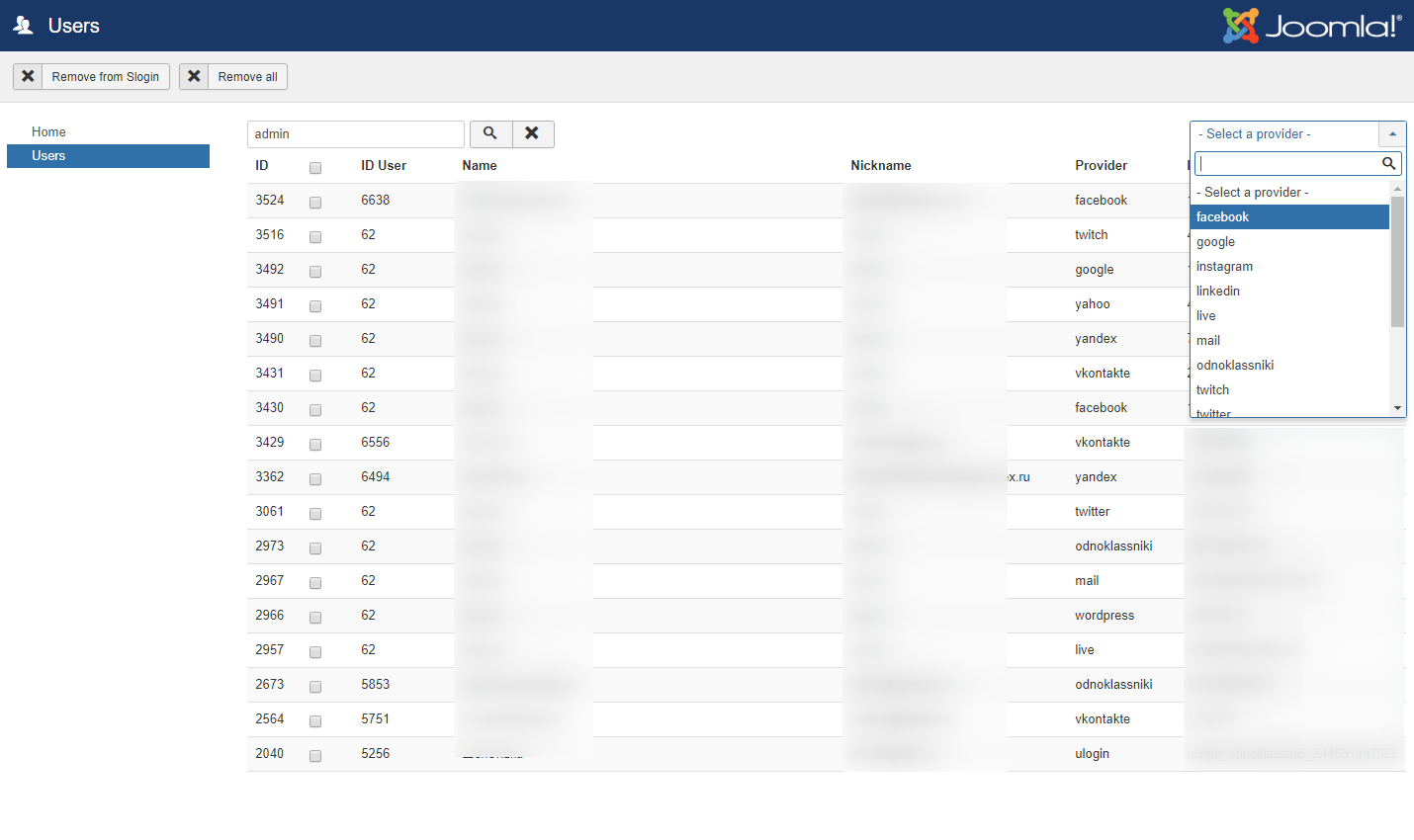
- A Slogin user administration section.
- The component's appearance can be fully restyled with CSS.
- Integration with com_users, JComments, Community Builder and EasyBlog.
- Languages: English, Russian, Ukrainian, Spanish, Dutch, Portuguese, Polish.
Installation and setup
- Install the package through the Joomla Extension Manager.
- For each network you need, create an app in its developer console and enter your site's domain there.
- Enter the app keys in that network's authentication plugin (for example, Social Login Facebook auth) and enable the plugin.
- Publish the Slogin login module.
FAQ
Signing in fails with "Error - empty user data!"
In most cases the authentication plugin for that network has not been configured. Check the app keys and the plugin settings against the documentation.
Facebook says the domain or URL is not allowed for the app
The domain in the Facebook app settings must match the site address exactly, including www. If the app is set up for site.com, signing in from www.site.com fails. The Facebook section of the documentation covers the app setup.
A 404 error appears on the registration page after signing in
This happens when K2 is installed and its user plugin runs first. Reorder the user plugin group so that the Slogin plugin comes before the K2 plugin.
The module inserted with shows no buttons
This method works when the Content - Load Modules plugin is enabled. That plugin processes the tag in Joomla articles; elsewhere, for example inside a Custom HTML module, the tag is not processed.
Social buttons do not appear in the JComments form
Enable the JComments - Social Login integration plugin. JComments can display plugins in the comment form starting with version 3.
Compatibility and requirements
- Joomla 3 and 4.
- For each network, a registered app with keys.
- JComments 3 or later for the JComments integration.