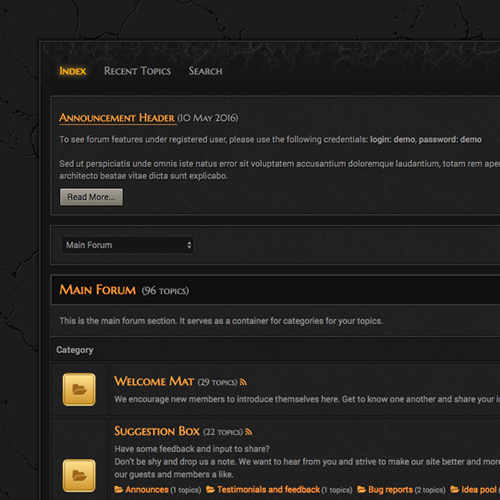
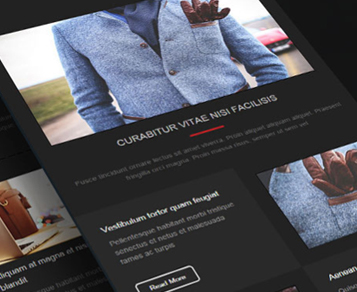
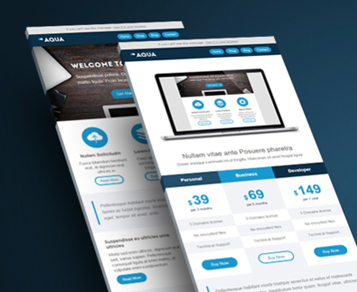
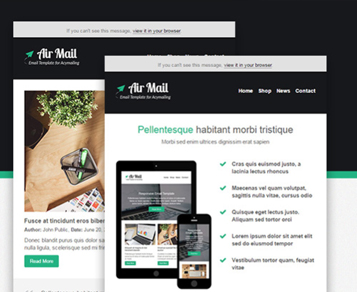
Magnify Zoom for ZOO
Discontinued
v2.0.0
J3–J4
9 208
6 610
This extension is discontinued.
Its developer no longer supports or distributes it: downloads and links are switched off, the description is kept for reference.
A ZOO element that adds a magnifying glass effect and a thumbnail gallery to item images. Suited to product cards and product pages in ZOO-based catalogues.
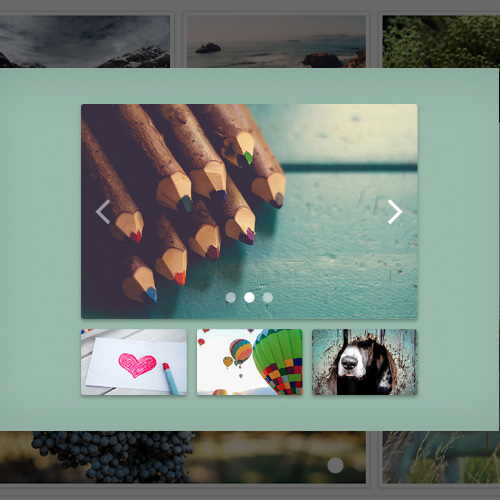
Magnify Zoom for ZOO is an element for the ZOO component. When a visitor hovers over an image in an item, a magnifying glass appears and shows that part of the picture enlarged, right on the page. The element also has a gallery mode: thumbnails are shown below the main image, clicking a thumbnail swaps the main image, and the magnifier then works on the new one. This layout is used in product catalogues and online shops built on ZOO, including JBZoo, to give a product page an image gallery.
Features
Zoom
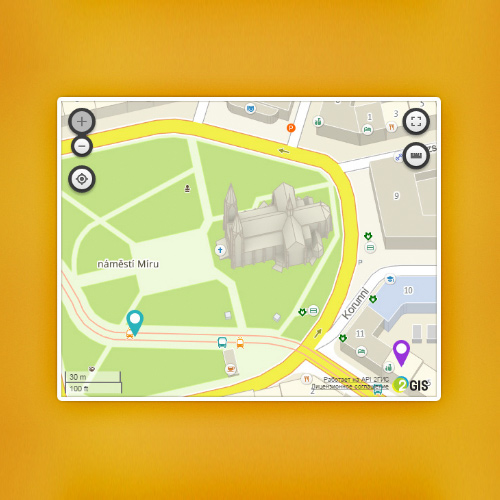
- Three zoom types: Lens (a lens over the image), Window (a zoom box to the right of the image) and Inner (the image itself is magnified).
- Square or round zoom area.
- Several lens effects.
- Adjustable zoom window size and position.
- Zoom level changes with the mouse wheel.
- Magnifier shown on image hover.
- Colour tint and easing effect.
- Five cursor icons to choose from.
- Element colours set in the administrator panel.
Gallery
- Thumbnails below the main image, with configurable thumbnail size and order.
- Several predefined gallery styles.
- Images can be opened in a Fancybox lightbox gallery.
- Single image mode without thumbnails.
Other
- Several elements can be used in one ZOO item.
- Optional jQuery loading, which can be turned off if the template already loads it.
Compatibility and requirements
- Joomla 3 and Joomla 4.
- Requires the ZOO component.
Similar



More from NorrNext